
Adobe Creative Cloud TV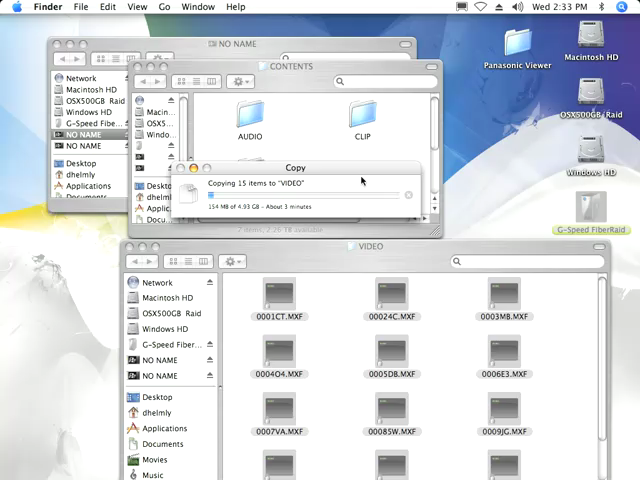
The Premiere Pro CS3 Panasonic P2 workflow
About this episode
In this episode special guest David Helmly walks us through the Premiere Pro CS3 Panasonic P2 workflow. With the new Premiere Pro CS3 and the 3.1 update, you can now natively Ingest, Edit, and Export the Panasonic P2 format. All you need to do is to shoot your video and simply drag ,drop , and edit – it’s that easy. There is no need to transcode your video with an intermediate codec in order to use them on the timeline, and there are no AVI or Quicktime wrappers – just native P2 format.
More from Adobe Creative Cloud TV
Adobe Evangelist Terry White shares tips and techniques for using Adobe Stock in your design workflow.
See what's new in the 7.3 update to Lightroom Classic CC.
See what's new in the Lightroom CC April 2018 update.
See what's new for Lightroom CC users on iOS in the April 2018 update.
Terry White covers the ins and outs of using Adobe Creative Libraries, an effective collaboration tool for small to enterprise businesses. You'll get useful tips for using CC Libraries in Photoshop, I…