
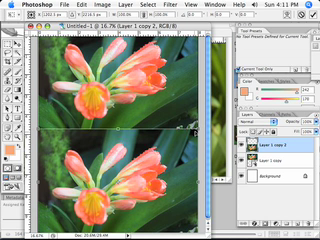
Photoshop Smart Objects
About this episode
With Smart Objects in Photoshop you can be confident that you can resize your images down without throwing away any data. This way you can change your mind at a later date and resize your images back up to retain the original quality. You can also group multiple layers into Smart Objects to control various design aspects of your project.
More from Adobe Creative Cloud TV
Adobe Evangelist Terry White shares tips and techniques for using Adobe Stock in your design workflow.
See what's new in the 7.3 update to Lightroom Classic CC.
See what's new in the Lightroom CC April 2018 update.
See what's new for Lightroom CC users on iOS in the April 2018 update.
Terry White covers the ins and outs of using Adobe Creative Libraries, an effective collaboration tool for small to enterprise businesses. You'll get useful tips for using CC Libraries in Photoshop, I…