
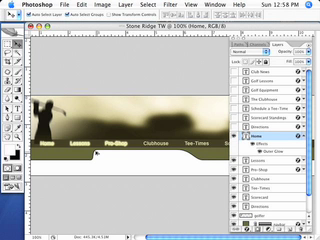
Introduction to Adobe ImageReady
About this episode
If you have Adobe Photoshop CS2 (or any version since 5.5) you have Adobe ImageReady. It automatically installs with Photoshop. Many Photoshop users have no idea it's there or let alone what it's used for. In this episode we will take a look at how to create web rollovers from a Photoshop file. ImageReady is a web optimization tool as well as a good tool for creating animations from your layered Photoshop files.
More from Adobe Creative Cloud TV
Adobe Evangelist Terry White shares tips and techniques for using Adobe Stock in your design workflow.
See what's new in the 7.3 update to Lightroom Classic CC.
See what's new in the Lightroom CC April 2018 update.
See what's new for Lightroom CC users on iOS in the April 2018 update.
Terry White covers the ins and outs of using Adobe Creative Libraries, an effective collaboration tool for small to enterprise businesses. You'll get useful tips for using CC Libraries in Photoshop, I…