
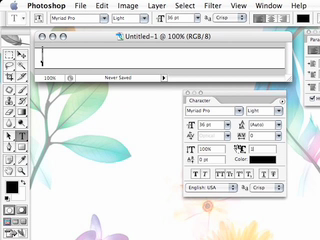
Creating graphical headers in GoLive CS2
About this episode
When you’re working on a website, the last thing you feel like doing is creating a separate graphic on every page where you want a header to be. However, if you want to use your own fonts, styles and special effects, you have to do it with a graphic. There would be no guarantee that the viewer of your site would have the same fonts as you do.
Using GoLive and Photoshop you can create the Header once in Photoshop and use it throughout your site as a “Banner‿. GoLive CS2 makes this easier than ever!
More from Adobe Creative Cloud TV
Adobe Evangelist Terry White shares tips and techniques for using Adobe Stock in your design workflow.
See what's new in the 7.3 update to Lightroom Classic CC.
See what's new in the Lightroom CC April 2018 update.
See what's new for Lightroom CC users on iOS in the April 2018 update.
Terry White covers the ins and outs of using Adobe Creative Libraries, an effective collaboration tool for small to enterprise businesses. You'll get useful tips for using CC Libraries in Photoshop, I…