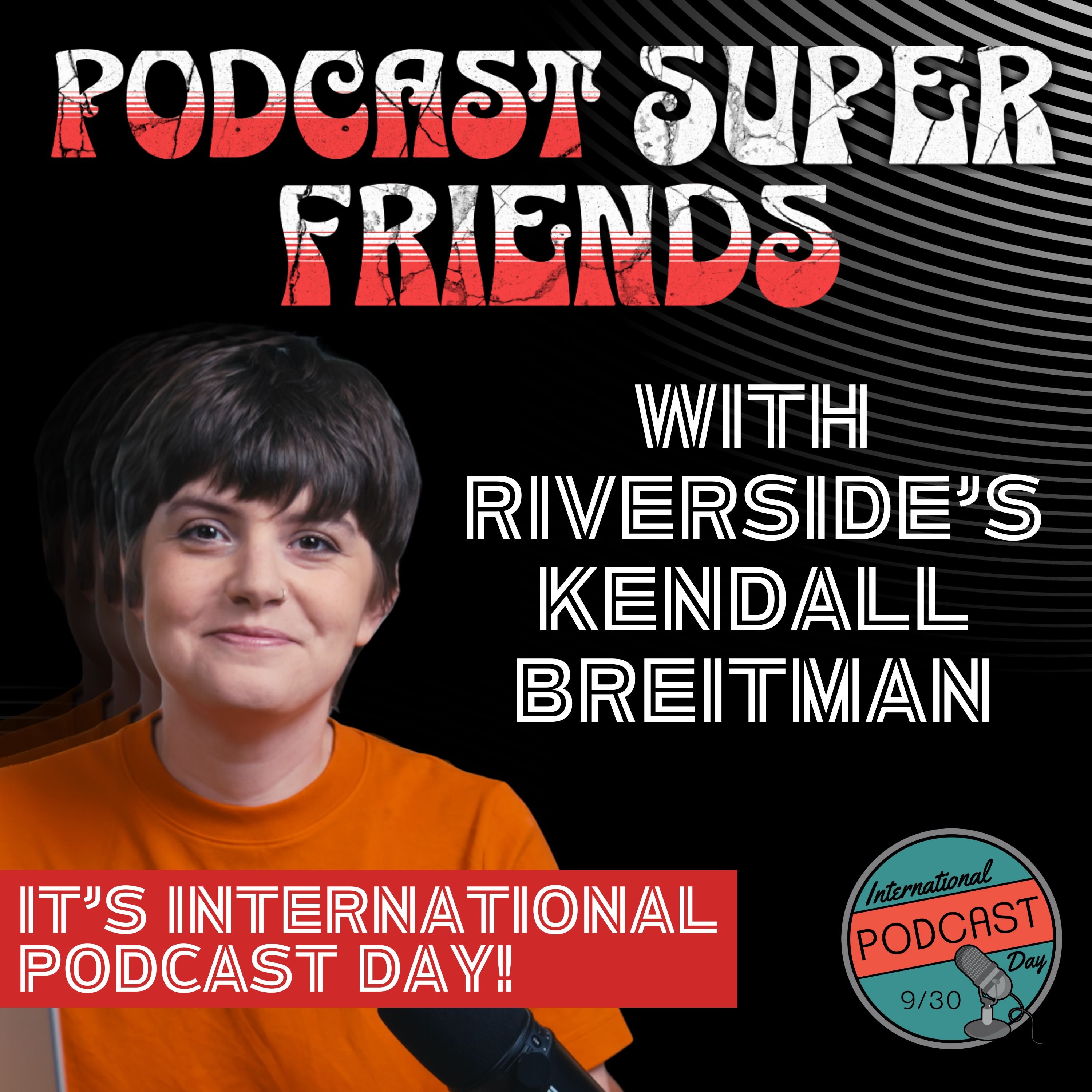
<p>On September 30th., International Podcast Day, the Podcast Super Friends, welcomed Kendall Breitman, Community Lead at Riverside, with big news on a major product rollout: Riverside's launch of its new chat-based editing tool — the "AI Co-Creator," affectionately nicknamed “Coco” by the internal team. </p><p>Co-Creator introduces a major shift in how podcasters can handle post-production. Instead of manually editing timelines or transcripts, users can simply type what they want — like “make this episode more engaging” or “cut the part about watermelons” — and Riverside’s AI will handle the edits. The tool supports everything from layout changes, B-roll additions, branding overlays, to audio cleanup like EQ adjustments and filler word removal, all with user-guided flexibility. </p><p>Kendall walks us through the evolution of the tool — how it started as a way to generate show notes and blog posts directly from transcripts, and now powers full post-production editing, video layout automation, and audio enhancements like Magic Audio and Smart Mute. Co-Creator’s AI capabilities also include adding royalty-free music, removing background noise, and even dynamically changing video composition based on prompts. While you still have full control to fine-tune manually, the tool helps users speed up their editing dramatically. </p><p>We also discuss the importance of community feedback. Kendall emphasizes Riverside's commitment to implementing user suggestions quickly, with the Facebook group "Conversation Creators by Riverside" acting as a hub for ideas and feedback. In fact, several features — including the Editor Add-On that lets producers access client accounts — were born directly from community input. </p><p>The conversation touches on pricing barriers for small-scale producers, the benefits of using iPhones as high-quality second cameras, and the addition of Safari support — making the platform even more accessible. </p><p>We also explore Riverside’s live streaming capabilities, which let creators stream to multiple platforms including YouTube, LinkedIn, Facebook, and custom RTMP destinations — with multi-channel live chat support. Kendall suggests this is a great next step for creators looking to deepen audience engagement, especially as platforms reward live content in their algorithms. </p><p>Wrapping up, Kendall highlights Riverside’s free resources, like the Community Hub (riverside.com/community) and their live workshop series, which showcase workflows from everyday creators. She also teases future updates and encourages everyone to keep checking back — because the features keep rolling out fast. </p><p>More: </p><p>https://riverside.com/community </p><p>Riverside Users Facebook Group: https://www.facebook.com/groups/264571558188791 </p><p>Superfriends' websites: Johnny Peterson - Johnny Podcasts https://www.johnnypodcasts.com </p><p>Catherine O’Brien - Branch Out Programs https://www.branchoutprograms.com</p><p> Jon Gay: Jag Podcast Productions https://www.jagpodcastproductions.com </p><p>David Yas: Pod 617 - The Boston Podcast Network https://www.pod617.com/ </p><p>Matt Cundill - The Sound Off Media Company https://soundoff.network </p><p>00:00 Introduction to the Podcast and Guests </p><p>01:02 Big Announcement: Chat-Based Editing </p><p>03:27 Evolution of Riverside's Editing Tools </p><p>04:45 Community Feedback and Feature Development </p><p>07:51 Introducing the AI Co-Creator: Coco </p><p>09:33 CoCreator's Journey and Marketing Assets </p><p>10:52 Editing with Coco: Enhancements and Control </p><p>12:00 Advanced Editing Features and AI Capabilities </p><p>14:03 Audio Enhancements and Magic Audio Features </p><p>16:42 Filler Word Removal and Audio Quality </p><p>18:54 Maintaining Creative Control with AI Tools </p><p>22:32 Exploring Media Board Functionality </p><p>23:44 Video Editing Techniques and AI Integration </p><p>25:02 Enhancing Video Quality with Creative Edits </p><p>26:57 Browser Compatibility and User Experience </p><p>27:12 Safari and Cross-Browser Functionality </p><p>29:01 Using Mobile Devices for Recording </p><p>30:10 Community Engagement and Feature Awareness </p><p>31:22 Community Resources and User Feedback </p><p>34:05 Understanding Podcaster Needs and Trends </p><p>36:42 Challenges in Podcast Promotion and Repurposing </p><p>39:10 The Importance of YouTube for Discoverability </p><p>42:56 Producer Tools and User Feedback </p><p>44:58 Navigating Technical Challenges in Podcasting </p><p>47:40 Enhancing Collaboration with Riverside's New Features </p><p>49:37 The Rise of Live Streaming in Podcasting </p><p>56:59 Riverside's Comprehensive Podcasting Solutions </p><p>58:19 Community Engagement and Resources for Podcasters</p>
<p><p>Find jag on social media @JAGPodcastProductions or online at <a href="https://JAGPodcastProductions.com" target="_blank">JAGPodcastProductions.com</a></p></p><br/> <p>Hosted by Simplecast, an AdsWizz company. See <a href="https://pcm.adswizz.com">pcm.adswizz.com</a> for information about our collection and use of personal data for advertising.</p>